1
3 min 29 s
OpenWhat alignment is and why it changes everything
Understand what happens when your system's ways are misaligned and how it affects the power and clarity of the sound.


 Smart sound alignment
Free full course + software from US$ 2 for the first month
Sound alignment for car audio, live sound and churches
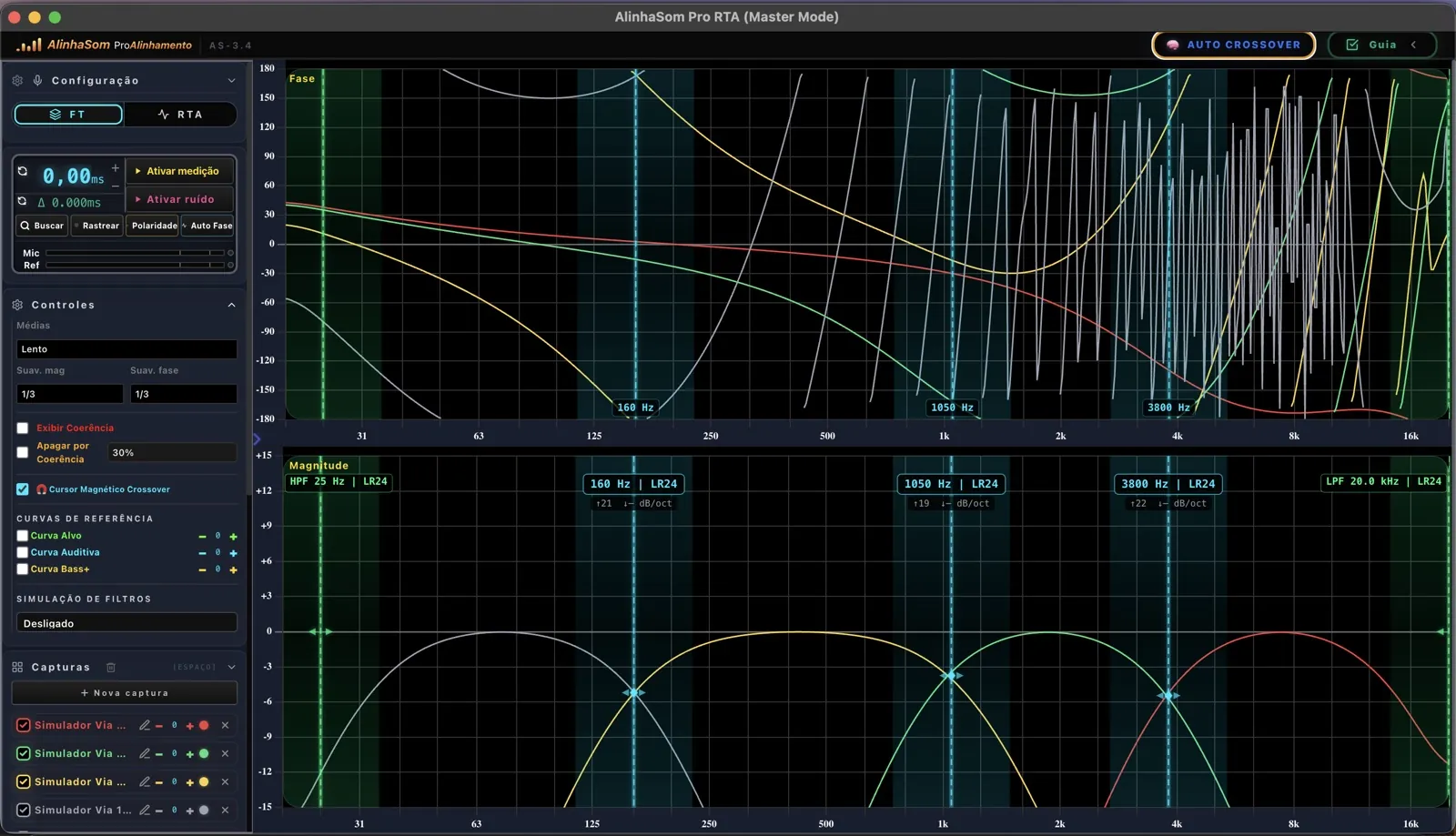
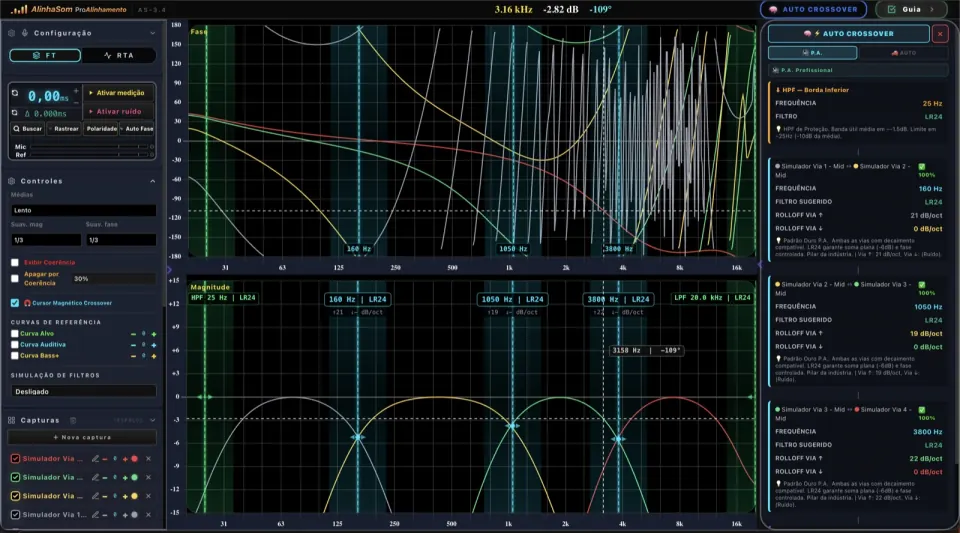
Cut your alignment time by up to 70%. AlinhaSom software finds the crossover, calculates the delay and detects polarity for you: you just enter the values in the processor, with no trial and error.

Software created by Chikim ProAlinhamento
Sound techs from Brazil, where AlinhaSom was born. The videos and original messages are in Portuguese; the translation is shown alongside.
“The sound system turned out great: alignment is much simpler, yet surprisingly effective.”

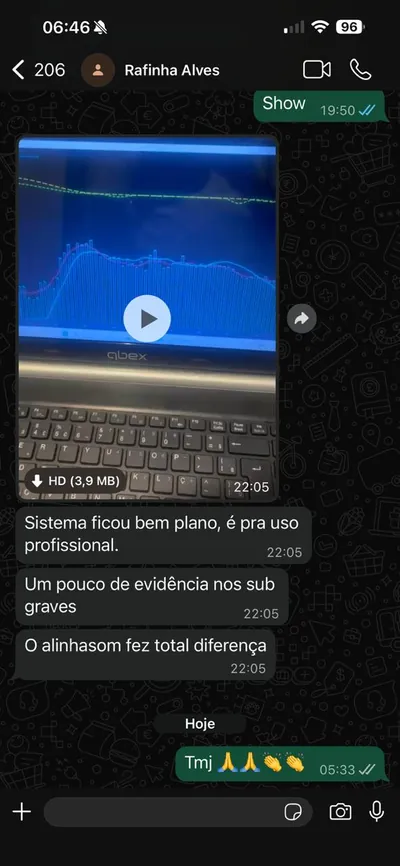
“The system came out really flat, ready for professional use. AlinhaSom made all the difference.”
Watch the first three lessons without signing up. To continue with the other seven, choose to get your access on WhatsApp or by email.
Understand what happens when your system's ways are misaligned and how it affects the power and clarity of the sound.
Measurement microphone, audio interface, cables and laptop: what to buy and how much it costs to put your kit together.
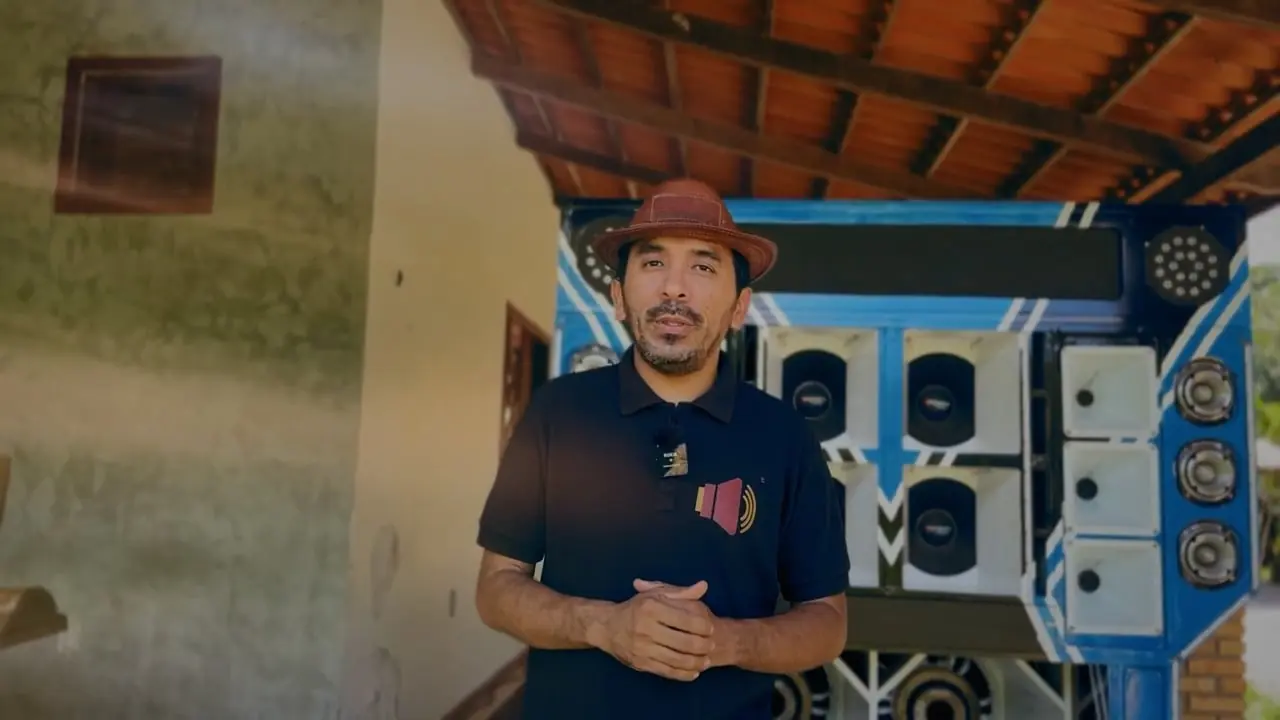
Where to place the microphone, how to capture each way and how to set the zero reference.
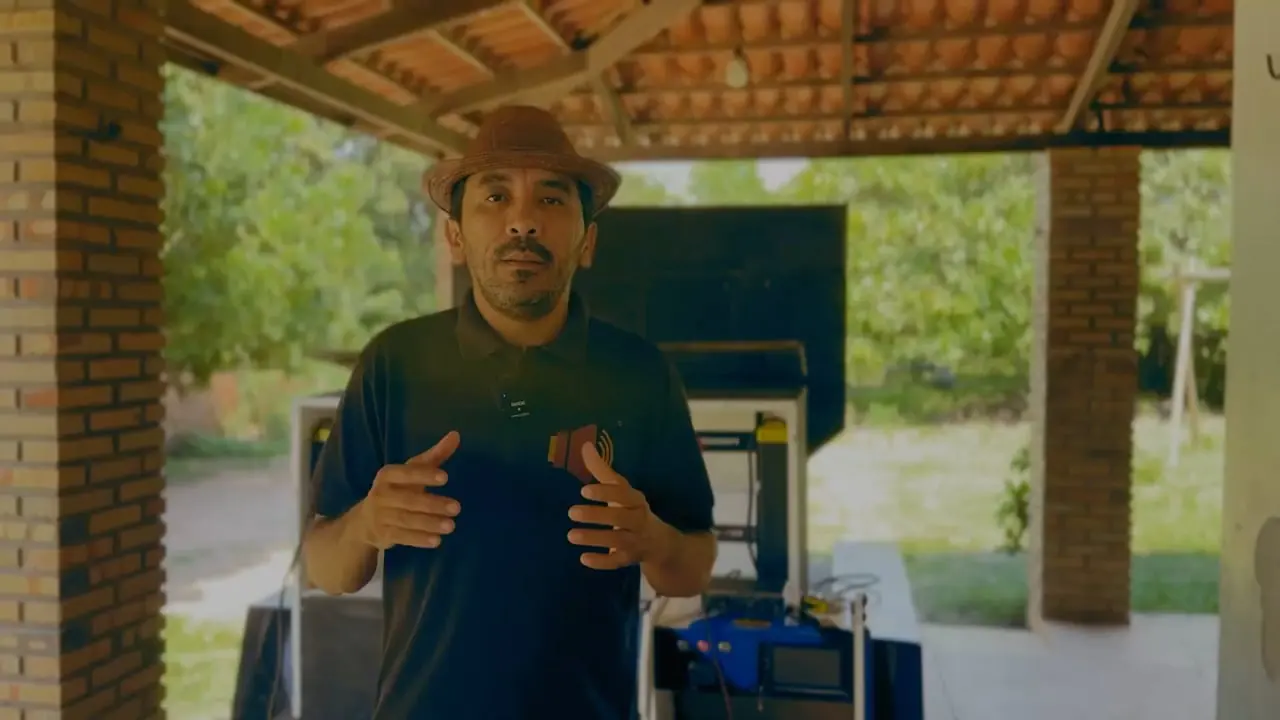
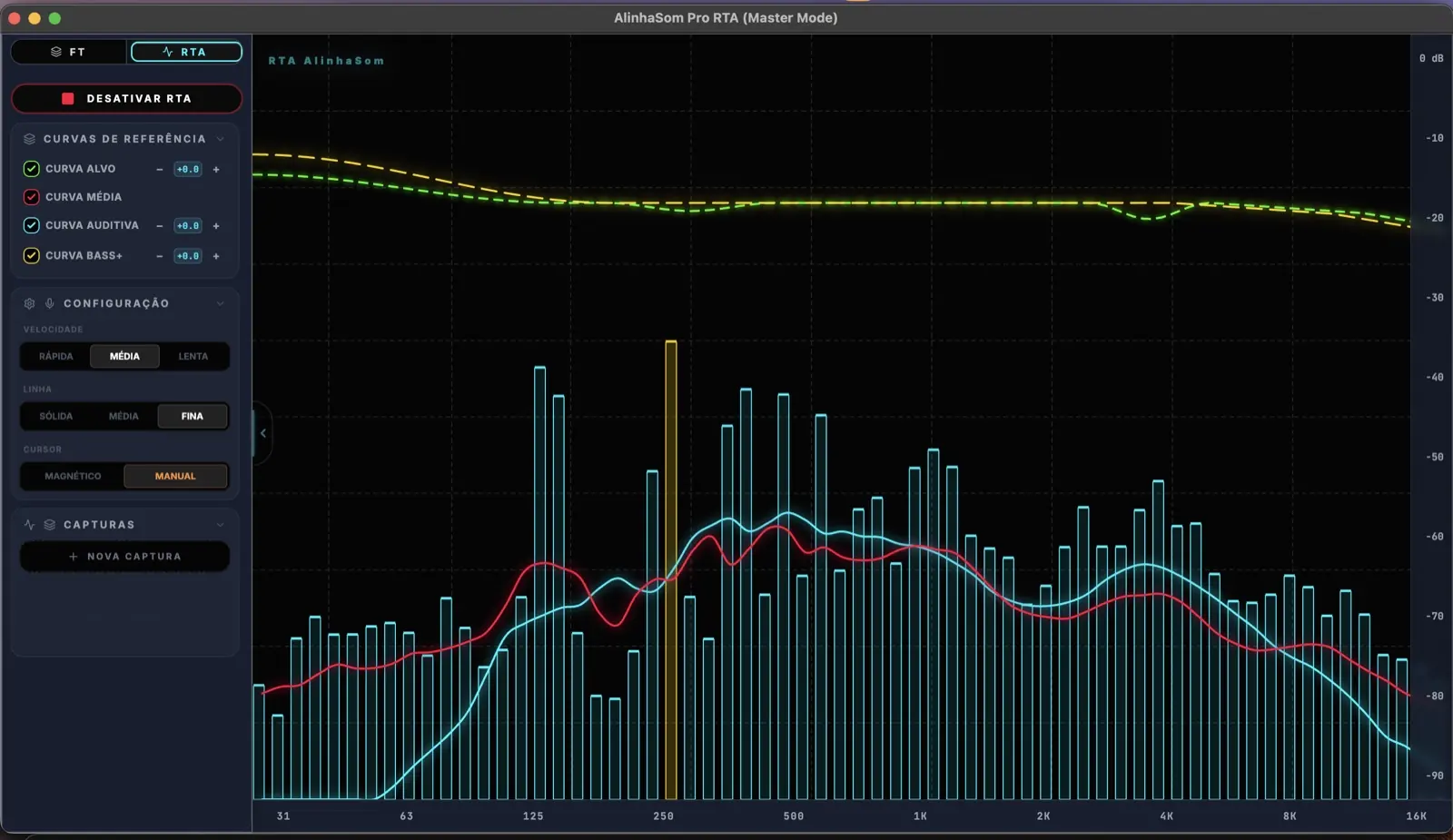
A tour of the RTA, transfer function, panels and controls, and how to read each graph.
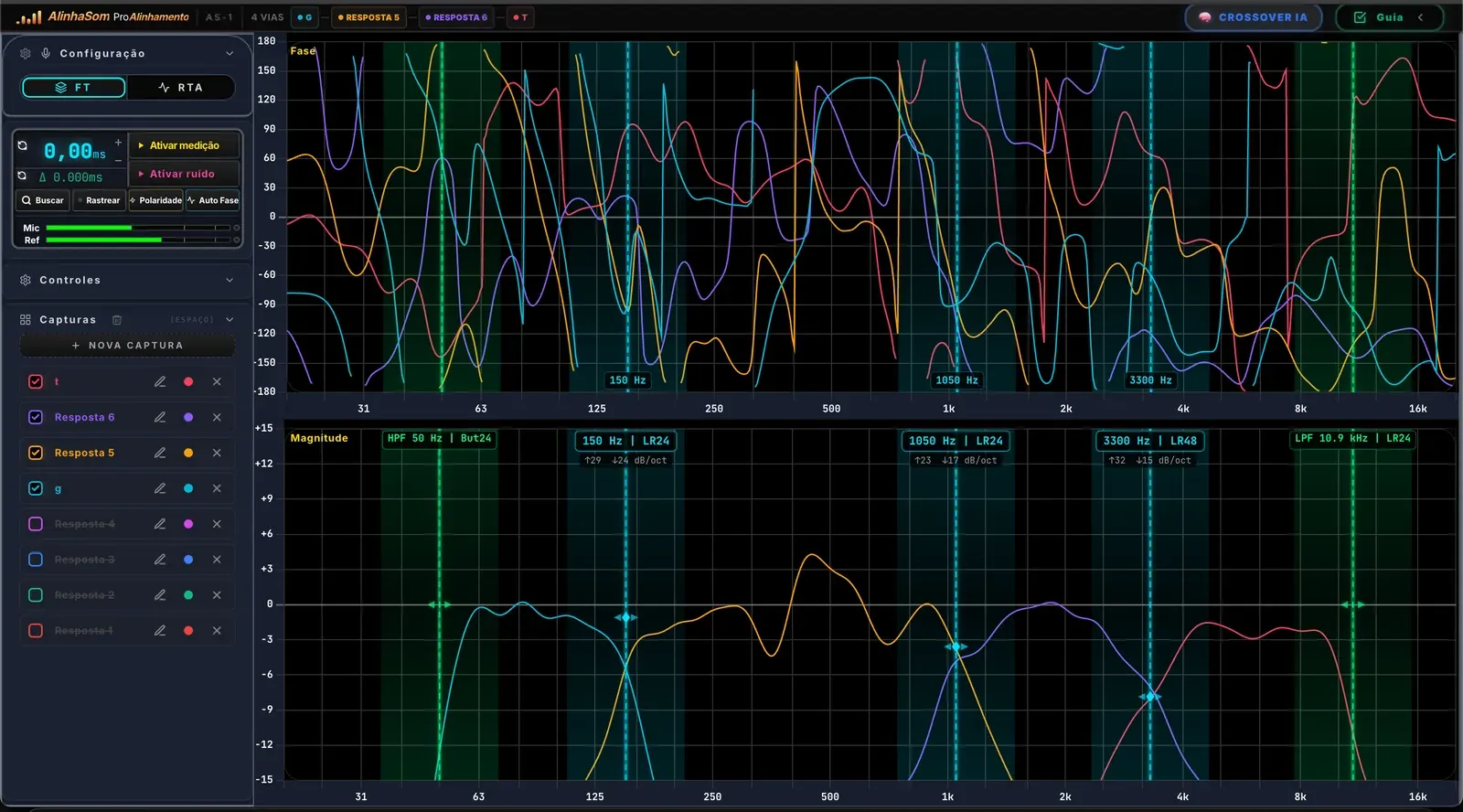
AlinhaSom analyzes your captures and helps you set the filter's frequency, topology and slope.
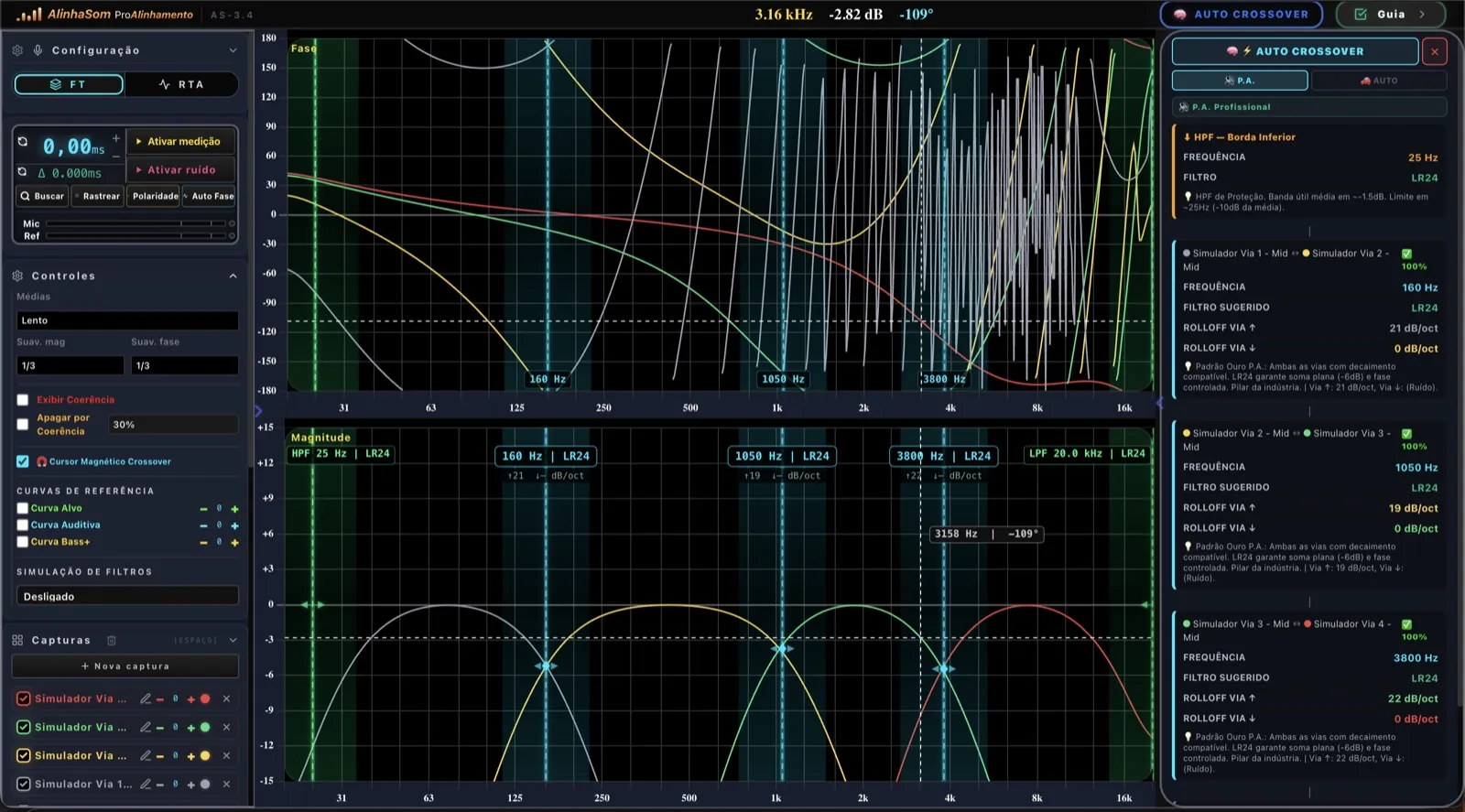
Check whether your ways sum or cancel and learn the right alignment order.
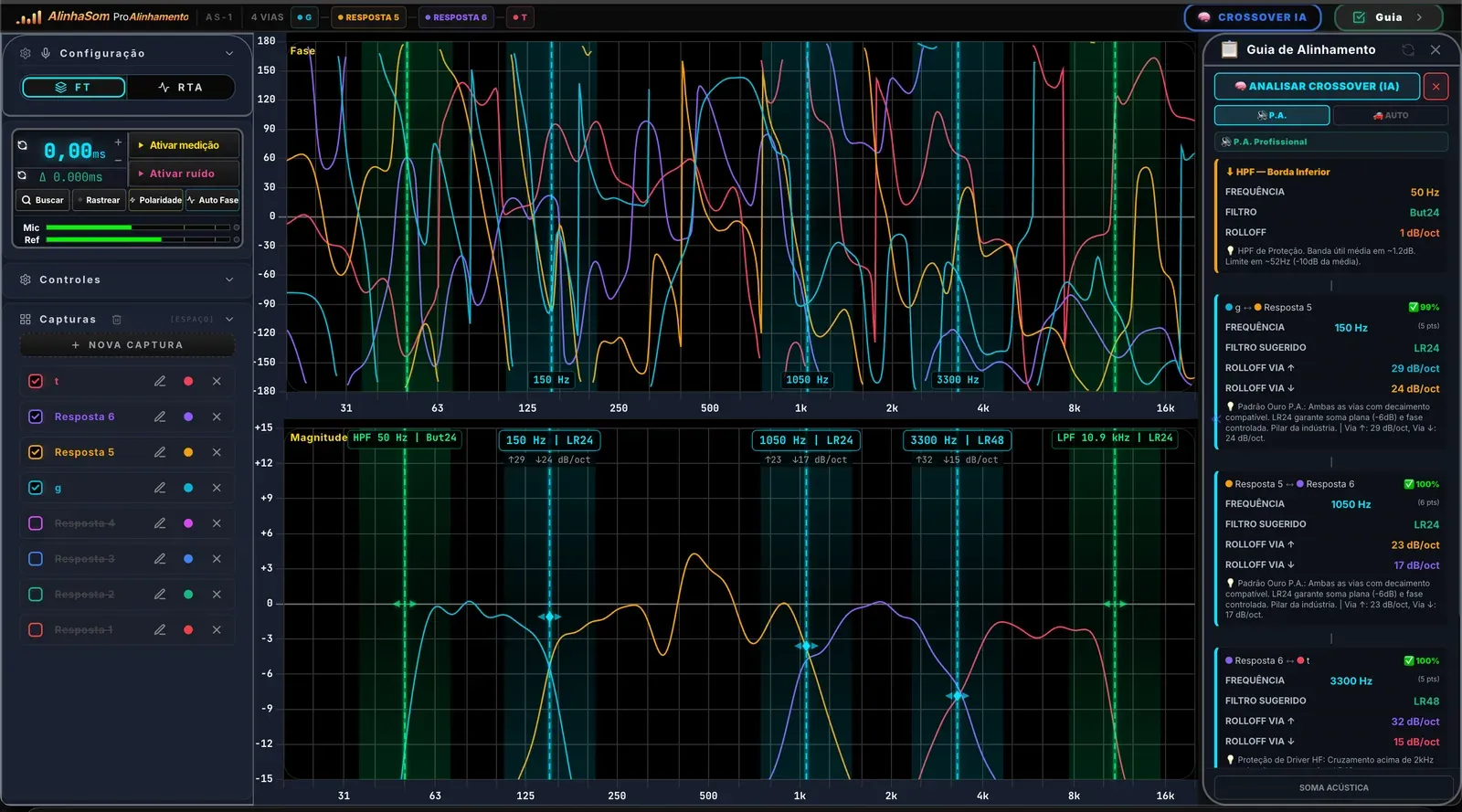
Calculate the delay between two ways and take the value in milliseconds to the processor.
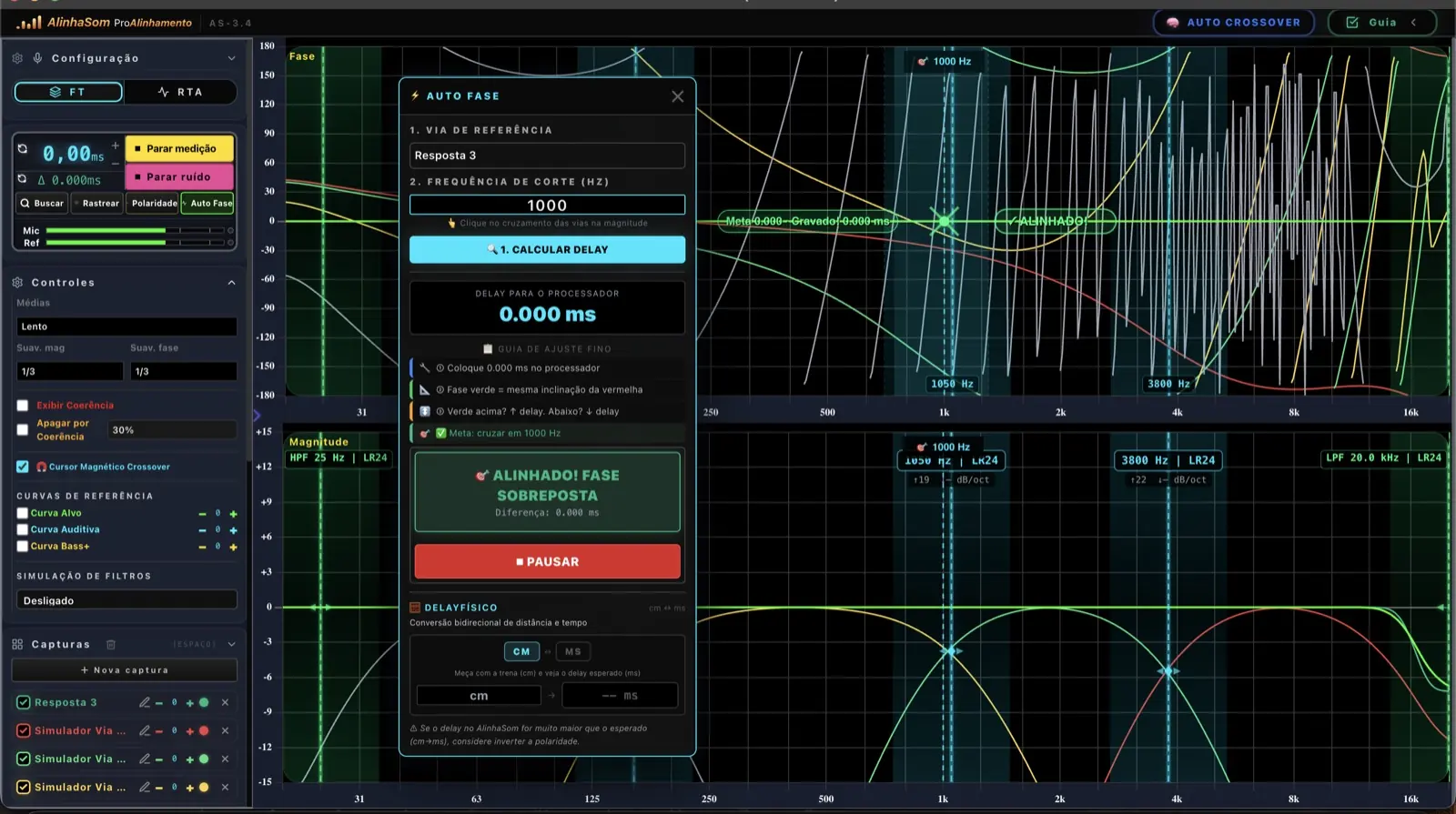
Align a complete system way by way and apply the values in the processor.
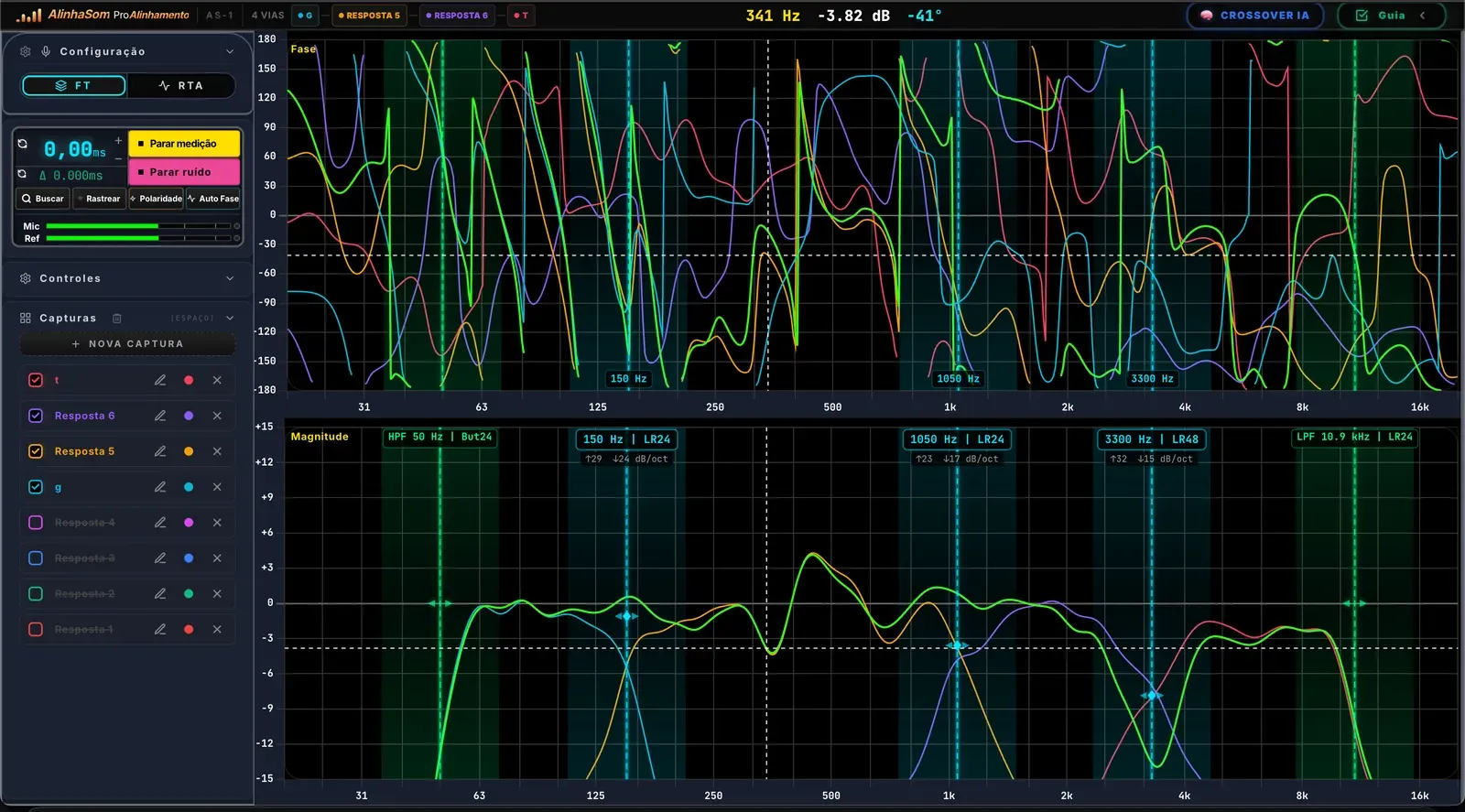
Compare the before and after and validate the +6 dB acoustic sum.
Fine EQ adjustments and tips for applying the method on real systems.
Confirm your name and get it on WhatsApp. If you prefer, you can also download it or get it by email.
What you'll learn to solve in the 10 lessons.
Set up your gear, capture a stable reading and tell a useful measurement from a misleading one.
See where the ways cross and test filters before changing settings in the processor.
Calculate the delay between ways and apply a target value in milliseconds.
Spot an inversion and avoid losing energy to a wrong connection.
Compare the response with target curves and understand what to fix first.
Confirm the result through the acoustic sum and document the finished system.
It works both for beginners and for professionals who want to turn measurement into clearer decisions.
The AlinhaSom workflow connects the first reading, the calculation and the final validation, so you can explain what you changed and why.
Capture each way and set a reliable reference.
Find the crossover, polarity and delay before touching the processor.
Verify the phase, the +6 dB acoustic sum and the final response.
AlinhaSom software connects measurement, calculation and validation to show you what to check and which value to enter in the processor. Tap each tool to see it on the real screen.
The course is free. If you want the software's seven tools right away, pick a plan below.
Was US$ 19 the first month
US$ 2
Then US$ 19/month. Cancel anytime.
Was US$ 228
US$ 137 / year
One payment for 12 months of access
Was US$ 997
US$ 497
One-time payment and a permanent license
Reference prices in US dollars. Before you confirm, Hotmart shows the final amount in your currency and the payment methods available in your country. All plans come with a 7-day guarantee.
The content comes from more than a decade of work on real live sound and car audio systems. Every lesson connects the technical reading to a practical decision in the processor.
A clear sequence to capture each way, choose the reference and avoid changes without a reason.
Read crossover, polarity and phase to bring concrete values to the processor.
Validate the acoustic sum and keep evidence of the result you achieved on the system.
If the AlinhaSom software doesn't fit the way you work, request a refund within the period shown at checkout.
Yes. The method and the tools work for live sound, events, churches, car audio and sound walls.
Yes. The exact supported versions are shown next to the download button after purchase.
No. The course starts with the fundamentals and moves on to measurement, crossover, phase, delay and validation.
The Hotmart checkout shows only the methods available in your country and the final price in your currency.
On the Monthly plan you pay US$ 2 by credit card or PayPal and use the full AlinhaSom software for the first month. After that, the subscription renews automatically at US$ 19/month, and you can cancel anytime in your Hotmart account. We email you 3 days before the renewal. The promotion is valid once per computer, and Hotmart shows the final amount in your currency, including your country's taxes where applicable.
Yes, when you choose a subscription plan. The price, billing period and how to cancel are shown before you pay.
A clear offer for professionals who want to measure better and decide without trial and error.
Compare plans and prices